Support
How can we help?
Find answers below or reach out. We're happy to help!
E-mail us
Questions, bug reports, feedback? We'd love to hear from you!
Common
questions.
How do I earn screen time by walking?
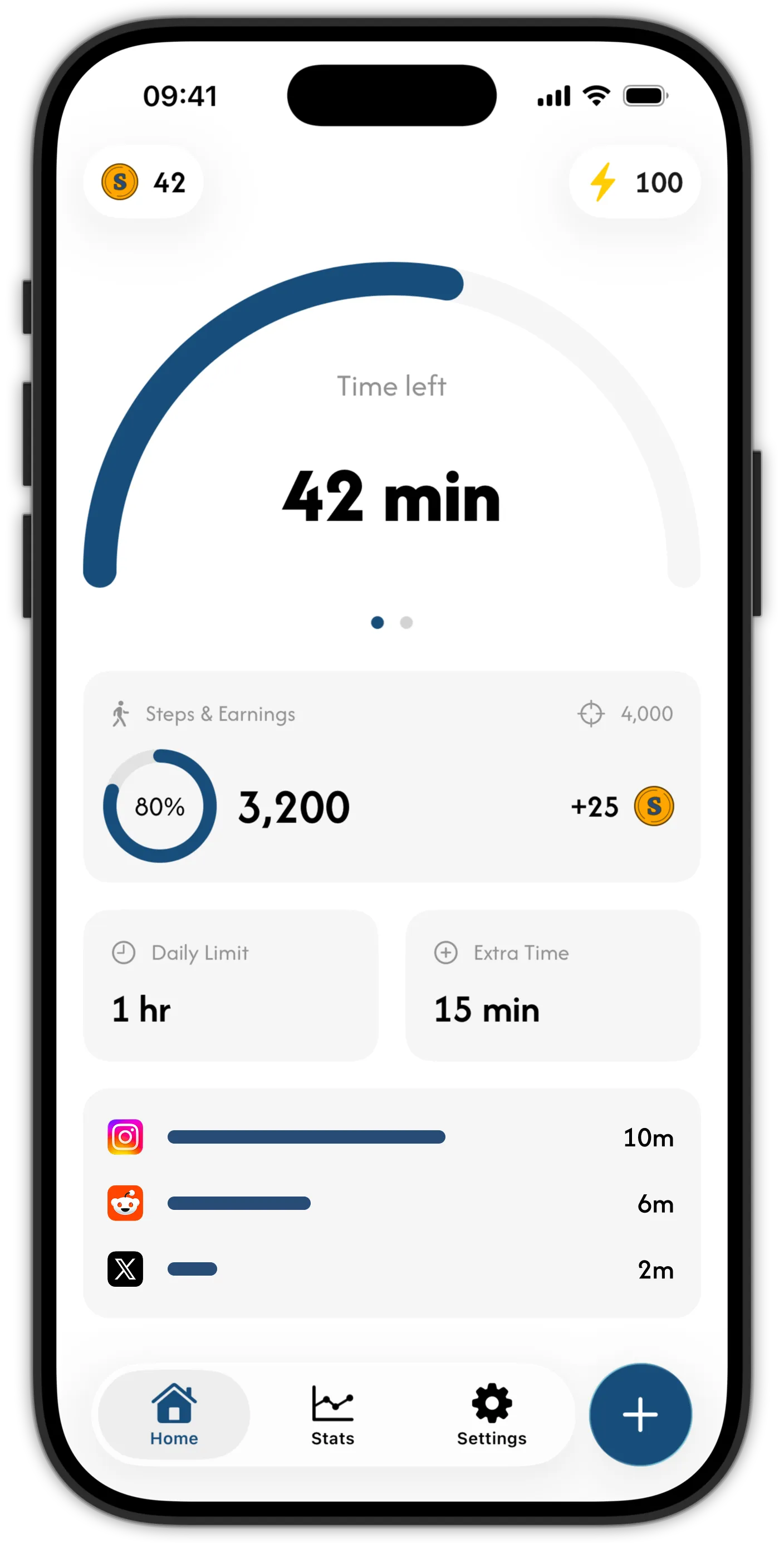
Every step you take earns coins, counted continuously as you walk. When you hit your daily screen time limit, your blocked apps close, and you can spend coins to buy extra minutes. Learn more about how the mechanic works.
Can Skrid block TikTok, Instagram, and Reddit?
Yes. You pick exactly which apps, categories, and websites Skrid manages, and everything else on your phone stays untouched. The blocking runs on Apple's Screen Time framework, so it holds at the system level. Learn more about how the blocking works.
How does Skrid track my steps?
Skrid reads your daily step count from Apple HealthKit. When you first open the app it will ask for permission to access your step data. You can revoke this at any time in iOS Settings → Privacy & Security → Health → Skrid.
Do I need an internet connection?
An internet connection is required to sync your steps and earn coins. Screen time blocking works offline once your limits are set.
How do I delete my account?
You can delete your account and all associated data directly within the app. Go to Settings → Delete Account. This action is permanent and cannot be undone.
Can I use Skrid on multiple devices?
Your account is tied to a passkey stored on your device. You can sign in on another device by transferring your passkey through iCloud Keychain or using the passkey cross-device sign-in flow.
Why aren't my manually added steps being counted?
To prevent cheating, Skrid doesn't count steps that are added manually in Apple Health. Only steps recorded by your device's sensors will count towards your daily total and rewards. Remember, you're doing this to build healthy habits, so try to get those steps in the real way!
How do I restore a purchase?
Purchases are managed through your Apple ID. Open the app and go to Settings → Restore Purchases. Make sure you're signed in with the same Apple ID you used for the original purchase.
Is Skrid free?
Yes. Skrid is free to download on the App Store and works on iPhone and iPad running iOS 26 or later.